Amazon PPC Audit Checklist: 20 Checks to Run on Your Account
 David Balan
Co-founder, Horison Marketing4 min read
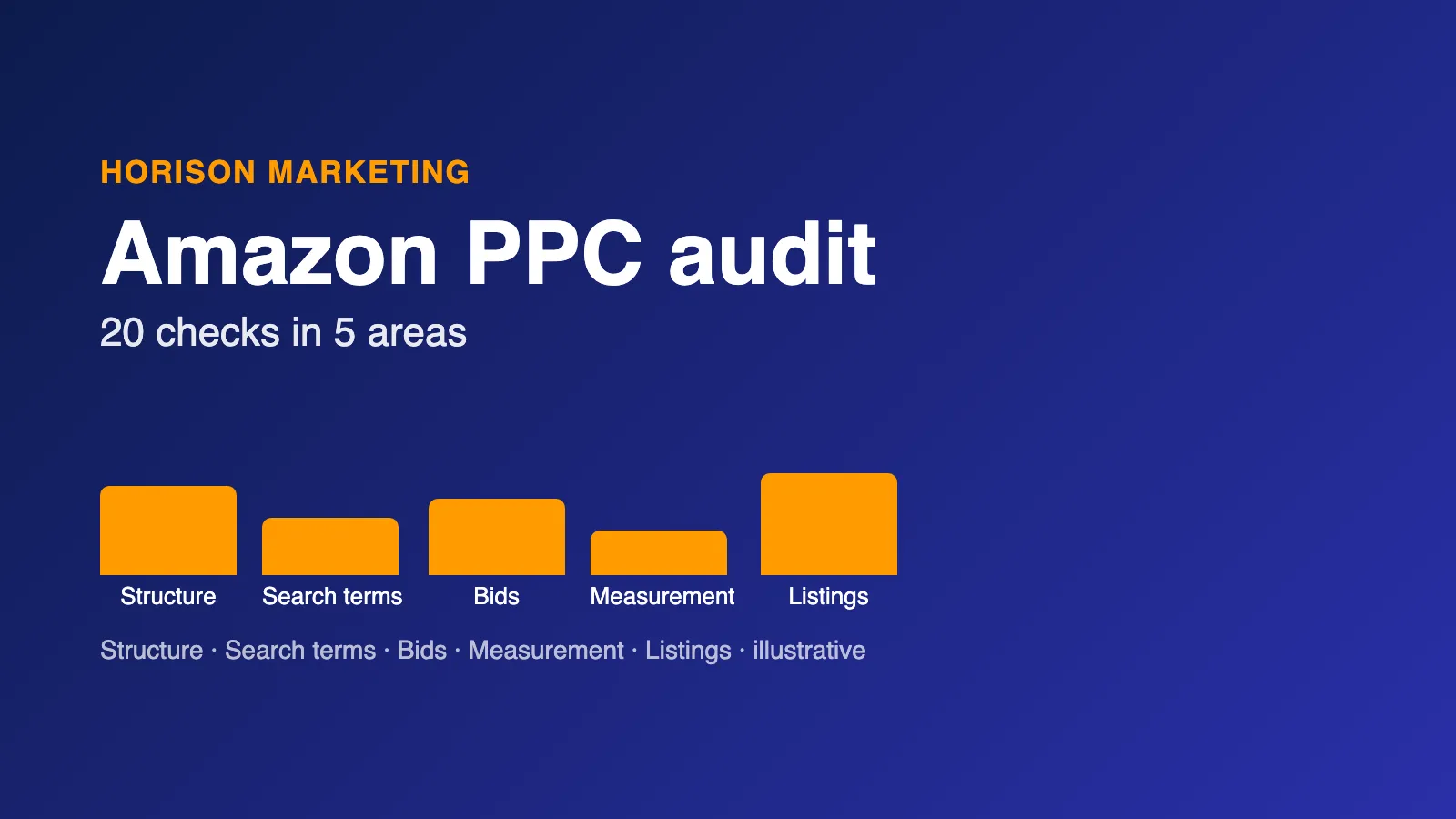
Short answer: audit five areas in this order: structure, search terms, bids and budgets, measurement and listings. Each has four checks below. Answer them yes, partly or no, or run the free PPC audit scorecard, which scores the same 20 checks and gives you a grade and your five biggest fixes.
How the checks are weighted
Each check carries a weight of 1 to 3 for how directly it affects wasted spend or missed sales. Search term review and negatives, bids tied to break-even ACoS and tracking TACoS carry the most. This is our judgement from running Amazon accounts, not a published benchmark.
1. Account structure
- Campaigns are split by goal (launch, defend, harvest). Mixed goals blur the numbers, because a launch campaign running above break-even hides a profitable defence campaign.
- Ad groups are themed. One theme per ad group means bids and keywords can be judged together.
- Names are readable. Use a pattern such as
brand | product | match type | goalso a report can be read without a key. - Branded, competitor and generic terms are separate. Branded searches usually convert far better; blended in, they flatter the generic campaigns.
2. Targeting and search terms
- You review the search term report every two weeks. This is the single biggest lever. How to read it: decode your search term report.
- Clicks without orders become negatives. Use negative exact for terms with enough clicks and no orders.
- Winners are harvested. Terms that convert in auto campaigns move into manual exact or phrase campaigns where you control the bid.
- Campaigns do not compete with each other. Negate harvested terms in the auto campaign so two of your campaigns do not bid against each other.
Example from a made-up report: we built a sample report for a fictional water bottle brand: 15 search terms, £155.09 of spend. Nine terms had 10 or more clicks and no orders and accounted for £88.51, or 57% of spend. Five terms had two or more orders at a low ACoS and were candidates to harvest. Upload your own file to the search term report analyser to see the same split for your account. It runs in your browser and nothing is uploaded.
3. Bids and budgets
- Bids are set per target against break-even ACoS, not one bid for every keyword.
- Budget-limited campaigns are checked weekly. A campaign that runs out of budget stops showing ads until the next day; shift money to what is profitable.
- Placements are reviewed. Add bid modifiers only where a placement clearly converts better.
- The bidding strategy is chosen on purpose. Down only, up and down and fixed bids behave differently; match the choice to the campaign goal. See targeting and bidding in Sponsored Products.
4. Measurement and goals
- You know break-even ACoS for each product. Use the break-even ACoS calculator.
- You track TACoS, ad spend against total sales, not only ACoS. See what a good TACoS is.
- Targets depend on stage. A launch and a mature product should not share a target.
- Changes are logged. Date, campaign, change and reason. Review results two weeks later.
5. Listings and conversion
- Main image, title and price hold up against the top competitors. Ads cannot fix a listing that loses the click or the sale.
- Rating and reviews are strong enough (roughly 4 stars or above) to justify more spend.
- Stock and Buy Box are healthy. Pause ads on products that are low on stock or have lost the Buy Box.
- A+ Content and a Brand Store exist for top products, and Sponsored Brands traffic has somewhere good to land.
How to read your score
| Score | Grade | Meaning |
|---|---|---|
| 85–100 | A | Strong. Fine-tune and keep the review rhythm. |
| 70–84 | B | Solid, with a few leaks worth closing. |
| 50–69 | C | Money is probably leaking. Start with the top fixes. |
| Under 50 | D | Likely spending without a clear plan. Fix the top gaps before adding budget. |
What to fix first
Start with search terms (checks 5 to 8) and measurement (13 and 14). They cost least and protect most. Then bids, then structure, then listings, since listing work takes longest.
If you would like a second pair of eyes, our Amazon PPC management team will run this audit on your real account on a free discovery call, and tell you where the money goes whether or not you work with us.
About the author: David Balan is co-founder of Horison Marketing, a UK Amazon agency. The weights and thresholds are our working rules, and the sample report is fictional.
Frequently Asked Questions
How do I audit my Amazon PPC account?
Work through five areas in order: account structure, search terms and negative keywords, bids and budgets, measurement against break-even ACoS and TACoS, and the listings you advertise. Use a fixed list so nothing is skipped; the 20 checks in this article are one.
How often should I run an Amazon PPC audit?
Run a full audit each quarter and after big changes such as a launch, a price change or a new marketplace. Check search terms and budget-limited campaigns every one to two weeks.
What is the most common Amazon PPC mistake?
Not reviewing search terms. Without regular reviews, terms that get clicks and never convert keep spending, and converting terms stay buried in auto campaigns. It is also the cheapest gap to close.
How many clicks without a sale before I add a negative keyword?
A practical rule is to wait for roughly one divided by your conversion rate in clicks. At a 10% conversion rate that is about 10 clicks; at 5% about 20. Check that the term is truly irrelevant first, and add it as negative exact.
What should my ACoS be for an audit to pass?
Below your break-even ACoS, with planned exceptions for launches. Break-even ACoS is your margin before ads, so it differs per product. See what is a good ACoS on Amazon for the method.
Can I do an Amazon PPC audit myself?
Yes. The checklist and the free scorecard are designed for that. An outside audit helps when you cannot explain why ACoS is high, when sales are flat despite spend, or when nobody on your team has time to review search terms.
Does an audit need a tool?
No. The Amazon Ads console reports (search term, placement, campaign) and a spreadsheet are enough for the checks here. Our free search term report analyser handles the biggest one in your browser.

David Balan is co-founder of Horison Marketing, a full-service Amazon agency that has managed over $1B in lifetime Amazon revenue for brands in the UK, EU and US.